轻 墨
Double-click a .md file. It opens beautifully.
Read it, edit it, close it. That's it.
v0.1.0
Features
Not a note manager. Not a knowledge base. Just the best way to open, read, and edit Markdown files on your machine.
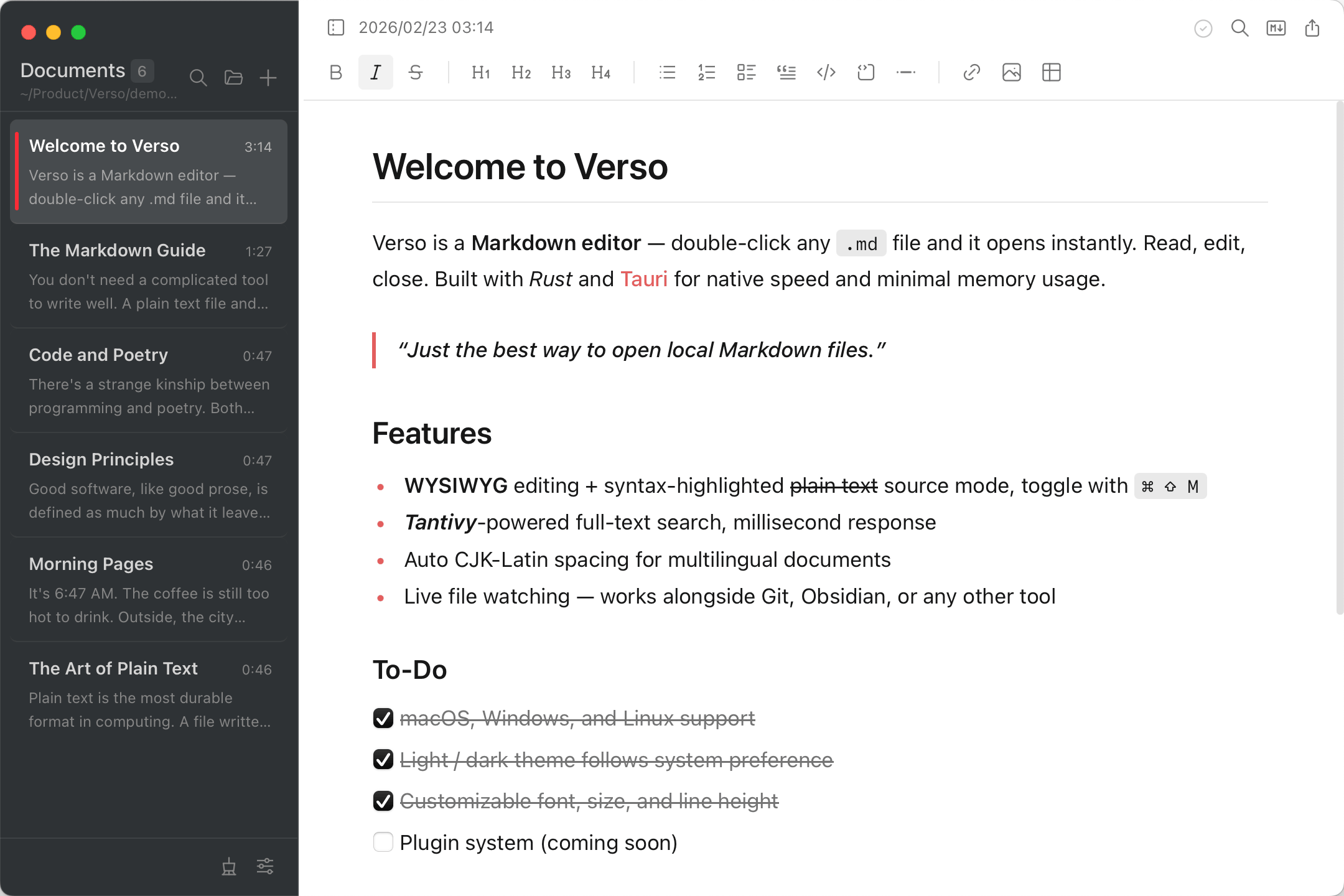
Write in a rich visual editor or switch to raw Markdown source with syntax highlighting. Toggle freely between modes.
Instantly find any note with Tantivy-powered full-text search. Your entire library, always one keystroke away.
Notes are standard .md files in a folder you choose. No proprietary formats, no lock-in. Your files, your way.
Insert tables, task lists, code blocks with syntax highlighting, images, and more through slash commands or the format bar.
Automatic spacing between Chinese, Japanese, Korean, and Latin characters. Perfect typography for multilingual writing.
Command palette, slash commands, and comprehensive shortcuts. Navigate, format, and manage notes without leaving the keyboard.
Copy as Markdown, plain text, or HTML. Print to PDF. Export your writing in any format you need.
Edit notes externally and Verso picks up changes instantly. Works seamlessly alongside Git, Obsidian, or any other tool.
Beautiful in any light. Automatically follows your system preference, or choose your own. Customizable typography settings.
Philosophy
Your disk is full of .md files — project docs, meeting notes, journals, READMEs. You shouldn't need a database or an app ecosystem just to read them.
Verso is a Markdown editor the way Preview is a PDF viewer: double-click a file, it opens, you read or edit, you close. No library to manage, no import, no sync.
Built with Rust and Tauri. Launches in under a second. Uses less memory than a browser tab.
Download
Free, open source. Download, install, right-click any .md file → Open With → Verso.
All releases available on GitHub Releases